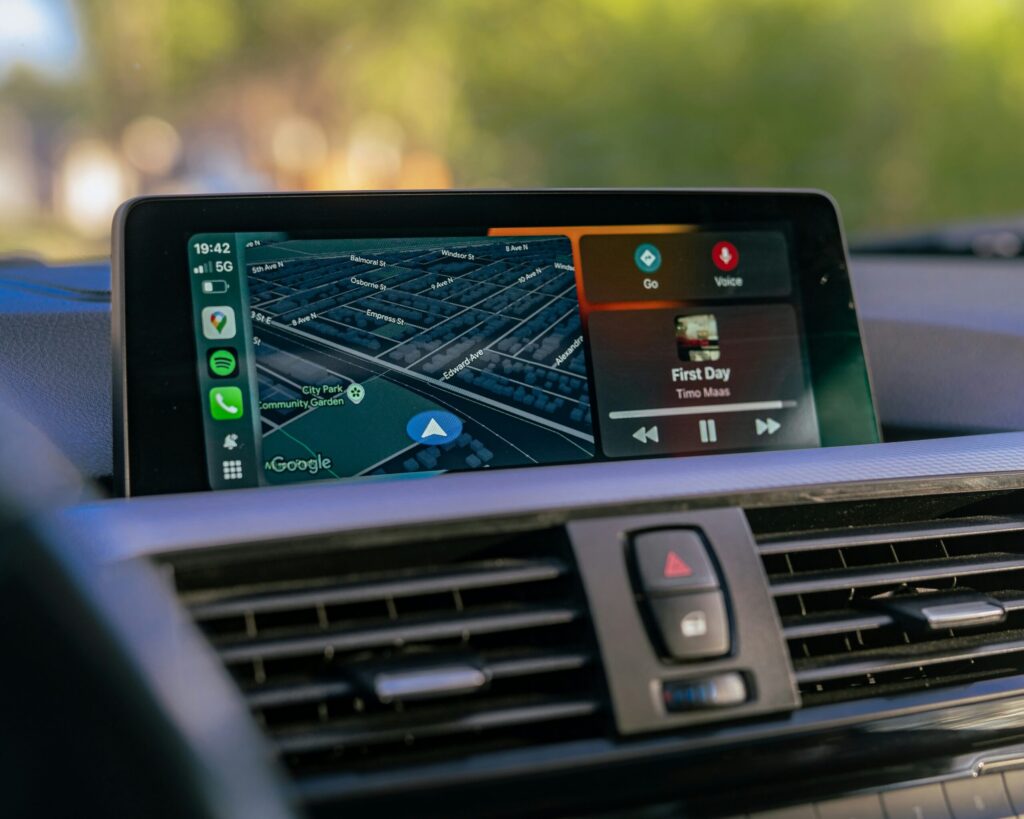
Drivers spotting a bell icon on their Apple CarPlay app switcher panel are seeing an indicator that Siri is set to read incoming messages aloud. The symbol signals that automatic announcement is active for text messages and compatible third-party chat services, eliminating the need to physically interact with an iPhone while traveling.
While the automated readout helps motorists track conversations hands-free, it also brings drawbacks. Siri will talk over playing music or podcasts, broadcast active group chats, and read personal texts in front of passengers. Apple provides direct controls on the iPhone to adjust how these notifications behave. Opening the device’s Settings app and selecting Notifications, followed by Announce Notifications and CarPlay, allows drivers to modify the default behavior. Under this menu, users can leave the feature on Remember Previous Setting or force CarPlay to always silence or always announce alerts on connection.
iPhone owners can also fine-tune which software can trigger readouts by curating the app list under the Announce Notifications menu. Disabling noisy group conversation channels, retail services, and delivery apps limits road interruptions to essential direct communications.
For more comprehensive control over roadside interruptions, Apple offers a dedicated Driving Focus profile within iPhone Settings. Motorists can customize the mode to filter calls and notifications to specific contacts, set automated text replies, and enable an Intelligent Breakthrough toggle for pressing alerts. Tapping the While Driving option within the Driving Focus setup allows users to select Activate With CarPlay, automating the profile whenever the handset links to a vehicle dashboard.
Source: Engadget