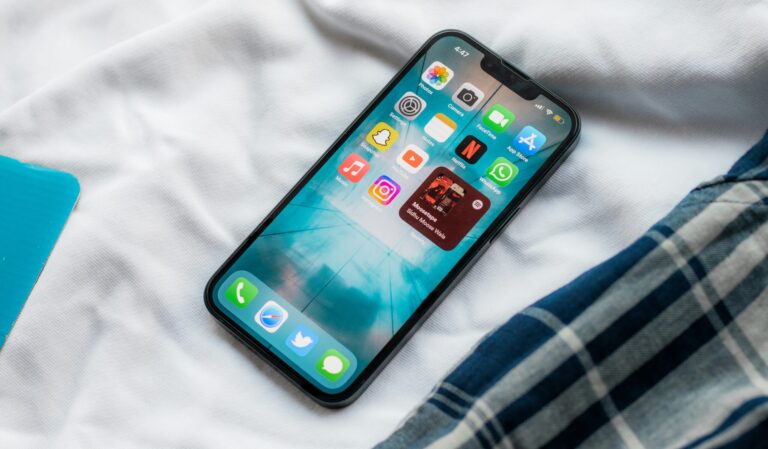
Relying on a smartphone’s built-in tethering feature provides an immediate, secure internet connection for laptops, tablets, and other devices without requiring separate hardware. While sharing a cellular connection avoids the security pitfalls of open coffee shop networks, the convenience comes with notable trade-offs in battery longevity and monthly data consumption.
Security stands as one of the strongest arguments for using a phone’s hotspot over public Wi-Fi. By configuring the network with a robust password and WPA2 or WPA3 encryption, users maintain complete control over which devices can join. The approach also eliminates the initial hardware cost of a standalone mobile router, as well as the recurring fees of maintaining a secondary data plan. Both major mobile operating systems support the function natively: Android provides access through the Quick Settings panel—where users can also adjust frequency bands across 2.4GHz, 5GHz, and 6GHz—while iPhone users can toggle the feature directly within their Personal Hotspot settings.
The practice does introduce significant hardware demands, however. Operating as a wireless router is power-intensive, causing a smartphone’s battery to discharge much faster than during standard operation, often requiring an external power bank or a wall charger during extended sessions. Furthermore, network speeds can drop considerably when multiple clients connect at once, as all devices must share the same cellular link.
Carrier constraints also present challenges for heavy users. High-bandwidth activities like video streaming or conference calls can rapidly exhaust tethering allowances, leading to carrier-imposed speed throttling or overage fees. For users who tether intermittently, the handset remains an effective backup, but individuals who require constant, high-volume connectivity may find a dedicated hotspot device more practical in the long run.
Source: engadget.com