Players looking to recapture the mechanical feel of earlier Grand Theft Auto titles in Grand Theft Auto 6 can alter several built-in gameplay and interface settings to emulate classic franchise conventions.
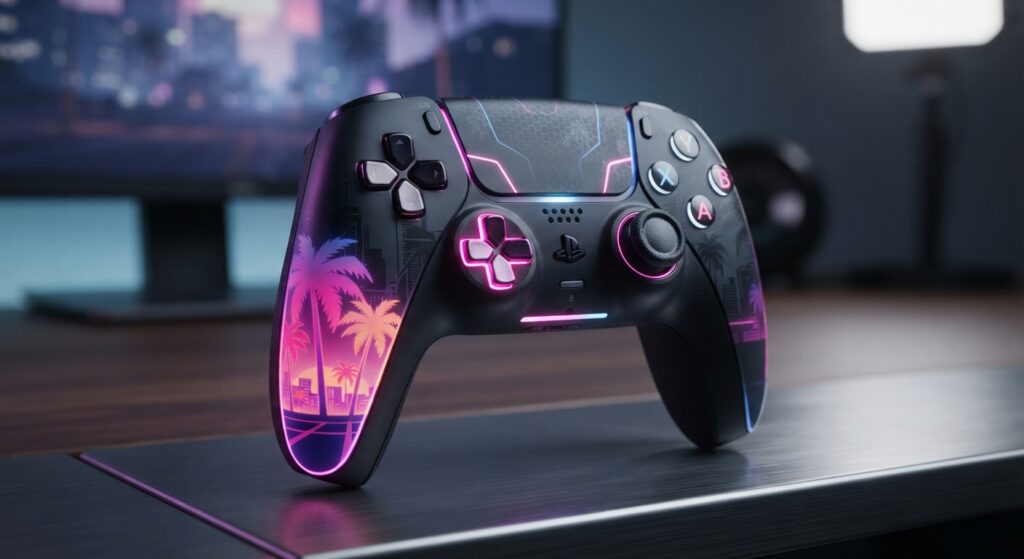
The most immediate change involves movement controls. While Grand Theft Auto 6 modernizes character navigation by defaulting sprint to the left thumbstick (L3 on PlayStation 5 and LS on Xbox), players can switch the control scheme from Default to Classic in the settings menu. Doing so reassigns sprint back to the traditional face button—X on PS5 or A on Xbox—while shifting crouch to the thumbstick click and moving jump to Square on PS5 or X on Xbox.
Combat behavior can also be customized to match the gunplay of previous releases. Within the gameplay settings, the targeting mode can be modified from Partial to Lock-On, replicating the targeting mechanics seen in Grand Theft Auto 5. Under this setup, aiming automatically latches onto the nearest adversary, with an optional toggle that lets players flick between targets using the right analog stick. The combat menu also houses sliders for aim-assist intensity, near-target tracking assists, and automated aiming during drive-by shootings, alongside a manual free-aim setting.
For those aiming to replicate the navigation challenges of the earliest 2D releases, the user interface menu provides toggles to hide modern navigational aids. Disabling the minimap, compass, GPS routing, and in-game objective waypoints forces players to rely solely on environmental awareness and memory to traverse the map.
Source: engadget.com