Overlooking basic hardware positioning and security configurations during a home network setup frequently results in poor coverage, slower speeds, and security vulnerabilities.
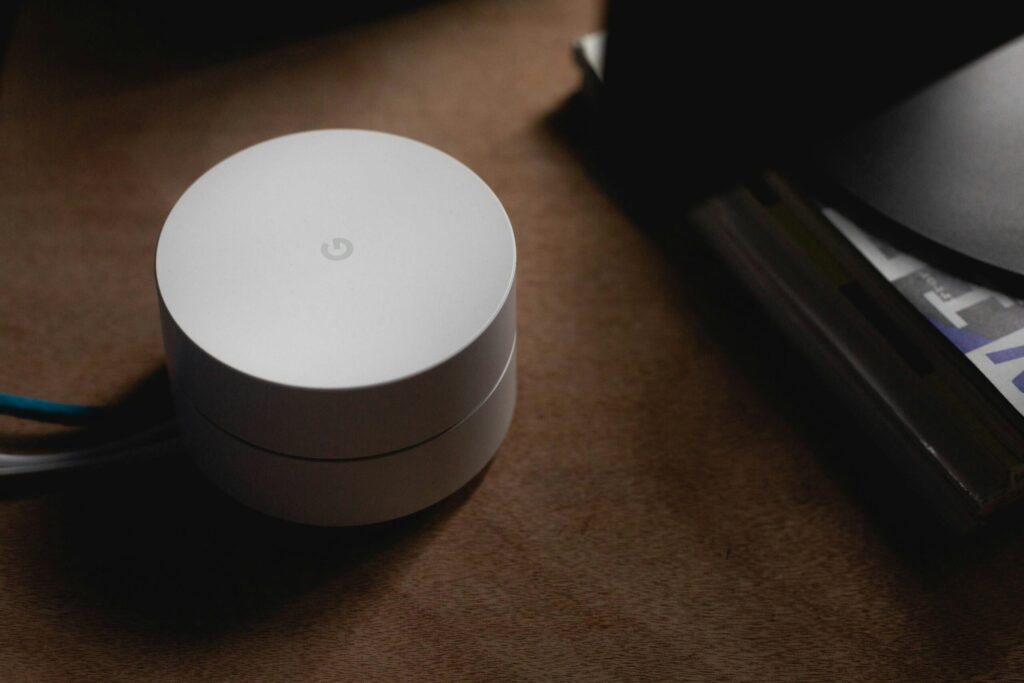
Physical placement remains a primary factor in wireless performance. Routers deliver optimal coverage when positioned near the center of a residence rather than hidden in distant corners or placed close to interfering household devices such as microwaves, baby monitors, and cordless phones. Users with connections terminating in inconvenient locations can run an Ethernet cable to set up an access point in a more balanced area. Additionally, hardware selection should match your actual service tier; purchasing high-end gaming equipment provides little benefit on low-speed DSL or satellite connections, while multi-story properties often necessitate carefully spaced mesh systems.
For high-demand hardware like gaming PCs, wired connections provide lower latency, stronger security, and zero interference from other household devices. Modern Cat6a cabling can support 10-gigabit speeds over distances of up to 100 meters. When installing wired hardware or secondary routers, labeling lines and adding components one at a time simplifies future troubleshooting. Users adding extra routers or mesh units must also avoid dual DHCP server conflicts by configuring subsequent hardware into bridge or access point mode.
On the software side, networks are often left vulnerable by default settings. Administrators should separate access credentials by updating both the Wi-Fi password and the device’s internal admin login to strong, unique phrases. Users should enable modern encryption standards such as WPA3 Personal—or a WPA2/WPA3 transitional mode for legacy devices—while abandoning outdated protocols like WEP and TKIP. Routine firmware updates are also essential to protect against known hardware vulnerabilities.
Source: Engadget